
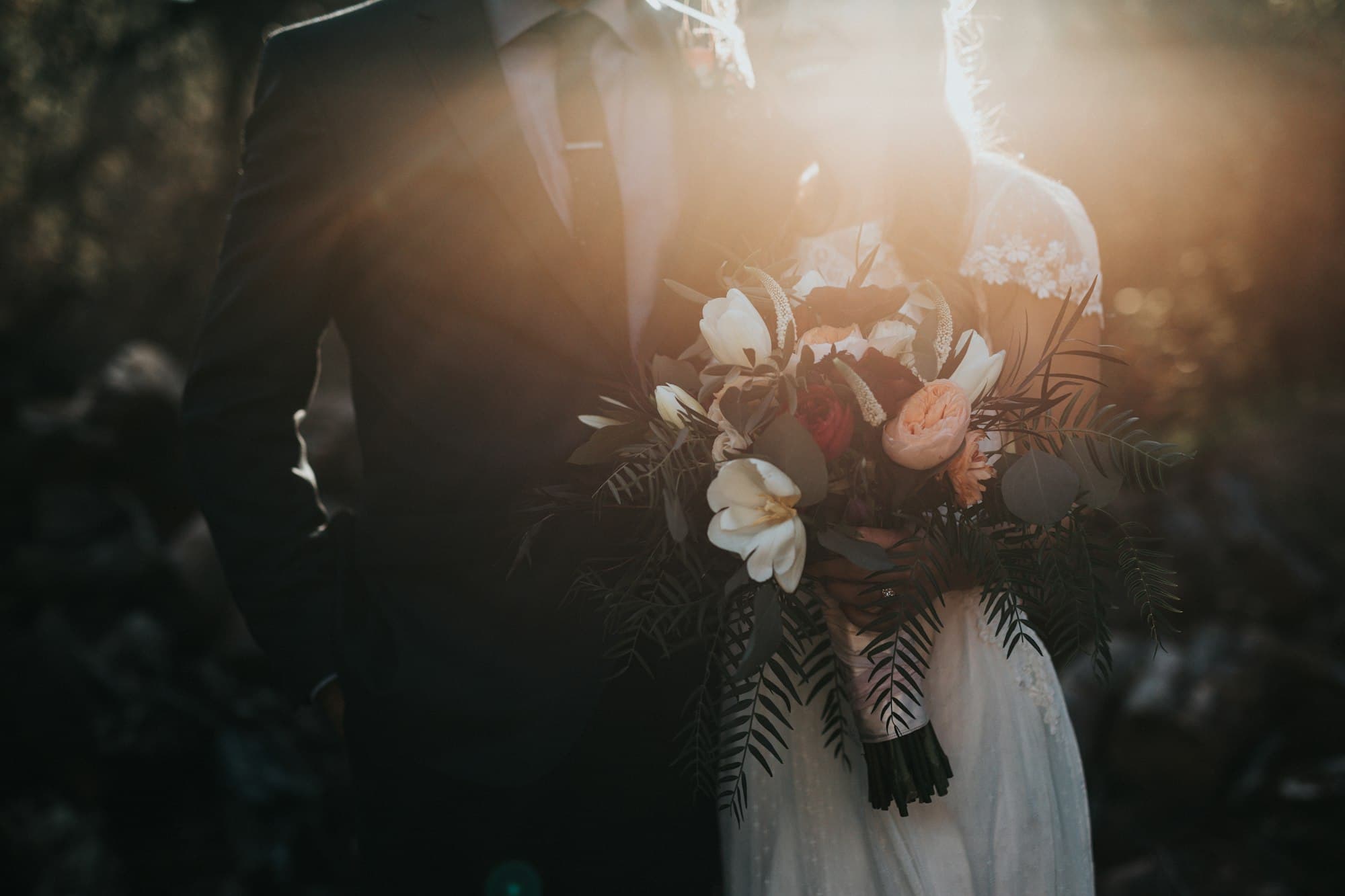
You're invited
A website invitation for the day they will remember.
Tell us the vision, we handle the design. One private link for weddings, debuts, birthdays, baptisms, and company nights. Guests open it, RSVP, and add the date to their calendar. No app, no account.
This is the product
Guests open a site, not a screenshot.
The frames above are live. They are the same pages your guests receive on a unique GraceInvite link. Not a mockup, not a PDF, not a file they have to download.
The collection
Start from one of these, or from a blank page.

What guests get
Everything a guest needs, on one page they will actually open.
The parts a builder charges you to switch on, we design in. Every site in the collection can carry all of this. Yours carries what your day needs.
RSVP in one tap
Name, headcount, meal, a note for you. Replies land in your inbox, not in a dashboard you have to learn.
Countdown
Days, hours, minutes to the ceremony or the first toast. It ticks on the guest's phone.
Schedule
Ceremony, cocktails, reception, send-off. A timeline guests can scan in the car.
Maps and Waze
Venue, parking, and a link that opens the guest's own maps app. No typing an address.
Dress code
The words and the palette. Swatches guests can screenshot for the tailor.
Add to calendar
Apple, Google, or Outlook. The date goes into their phone before they close the tab.
Gallery
Engagement photos, the family, the venue. Full-bleed, fast, and never watermarked.
Questions answered
Parking, kids, gifts, plus-ones. Answer once on the page instead of forty times in chat.
Password, if you want
A gate before the page. Family only, out of search, and gone when you say so.
A link worth printing
graceinvite.com/juan-and-maria. Short enough for the card, memorable enough to type.
QR-ready
One code on the printed invitation opens the same site. We test it in daylight.
English, Filipino, or both
Your words, in the language your family speaks. We write to your tone, not a template's.
Why a studio
You could build it yourself. You should not have to.
The builders are good at what they do. They are also asking you to do it. Here is what changes when a studio does it for you.
GraceInvite
Do-it-yourself builders
- Who builds it
- GraceInvite: We do. You describe the look or pick from the collection.
- Do-it-yourself builders: You do, from a theme, on your own evenings.
- The design
- GraceInvite: Made for your day. Type, colour, and photography chosen for you.
- Do-it-yourself builders: One of hundreds of themes, shared with thousands of other events.
- The link
- GraceInvite: graceinvite.com/your-names. Short, printable, yours.
- Do-it-yourself builders: A long generated address or a paid custom domain.
- What guests see
- GraceInvite: Your site only. No banners, no app prompts, no registry upsells.
- Do-it-yourself builders: Your page inside their product, with their branding around it.
- Guest accounts
- GraceInvite: None. Open the link, reply, done.
- Do-it-yourself builders: Often an app download or a sign-in to RSVP.
- Privacy
- GraceInvite: Unlisted by default. Password when you want it. Out of Google unless you say otherwise.
- Do-it-yourself builders: Varies by plan and by setting.
- Support
- GraceInvite: A person in Metro Manila who has seen your page.
- Do-it-yourself builders: Help articles and a ticket queue.
Describe it, or pick one
Tell us the vibe, or choose a template from the collection. We design and build it. No code, no theme lock-in, no evenings lost to a drag-and-drop editor.
A unique link
graceinvite.com/juan-and-maria. Short enough for the card, easy enough to type.
Private if you want
Password the page. Keep it out of search. Family only.

Built for phones
The invitation is opened in a parking lot, not at a desk. We design for one hand.
What clients say
Not a template. A reply that fits.
Our guests thought we hired a design agency. It was one link, sent the week of, and it just worked.
Elena R.
Wedding, Tagaytay
I described the vibe I wanted for her debut and picked a template from their collection — it was live on our own link by the next afternoon.
Sofia M.
18th birthday, Makati
We needed something we could password for family only and pull down after. GraceInvite handled both without a checkout flow.
Marco D.
Company dinner, BGC
How it works
You describe it. We design it. They arrive.
- 01
Tell us the day
Date, city, occasion, and the look you have in mind. Or point us to a template in the collection.
- 02
We design it
Type, colour, photography, and the words. You see it on a private preview link before anyone else.
- 03
You approve
Changes until it feels right. We check it on a phone in one hand, because that is how it will be opened.
- 04
Share the link
On the card, in chat, behind a QR. Optional password. Replies come straight to you.
Questions
Practical answers, before you inquire.
How much does a GraceInvite event website cost?
We do not publish a checkout price. Inquire with the date and type of event; we reply with whether we can take it and how we work.
How long does hosting take?
Once we agree on the direction, preview is usually the same week. Publishing is when you say the link may go out.
Do I need to design or code the website myself?
No. Describe the look you want, or pick one of our templates as a starting point — we design and build the whole site for you.
Will my event appear on Google?
Only if you publish it as public and indexable. Unlisted and passworded sites stay out of the sitemap.
Do guests need an account?
No. They open your unique link. A password is optional.
How is this different from Joy, Zola, or a free website builder?
Those tools hand you a theme and an editor. We hand you a finished site. There is no account for your guests, no app to install, no banner or upsell around your page, and a short link you can print. You talk to a person, not a help centre.
Can guests RSVP on the site?
Yes. Every site can carry an RSVP with name, headcount, meal choice, and a note. Replies land in the email you choose. Guests can also add the date to their calendar and open the venue in Google Maps or Waze.
Do you host in the Philippines?
The studio is in Metro Manila. The site itself is a normal website your guests open from anywhere. English copy is standard; your site can use Filipino or both.
One more thing
Send the link. Watch it feel like an invitation, not a form.
Inquire with your date and occasion. We reply as a studio, not a wizard, not a checkout.